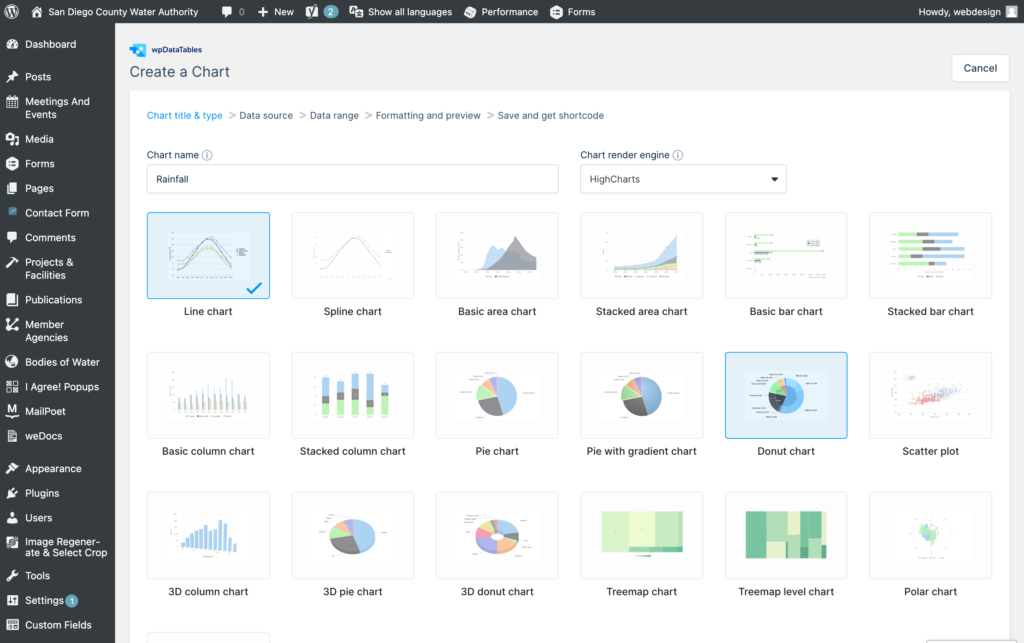
wpDataTables is a WordPress Tables and Charts manager. This WordPress table plugin is designed to make the process of data representation and interaction quick, easy, and effective.
See official documentation with detailed explanation on wpDataTables here: https://wpdatatables.com/documentation/general/features-overview/
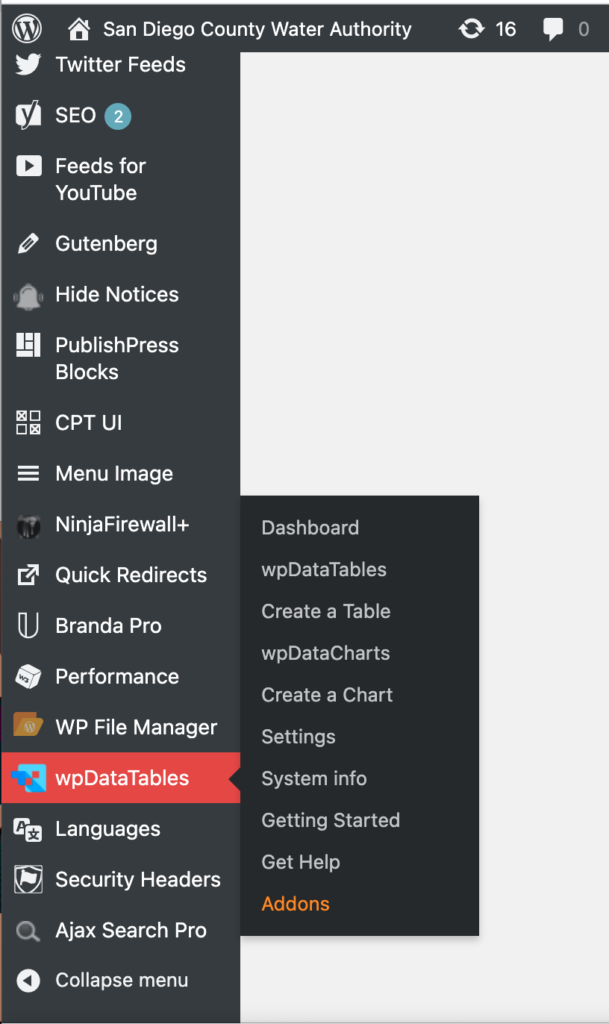
These wpDataTables are added and edited within the WordPress dashboard. Simply, select option in flyout menu. Then add the provided shortcode to page.
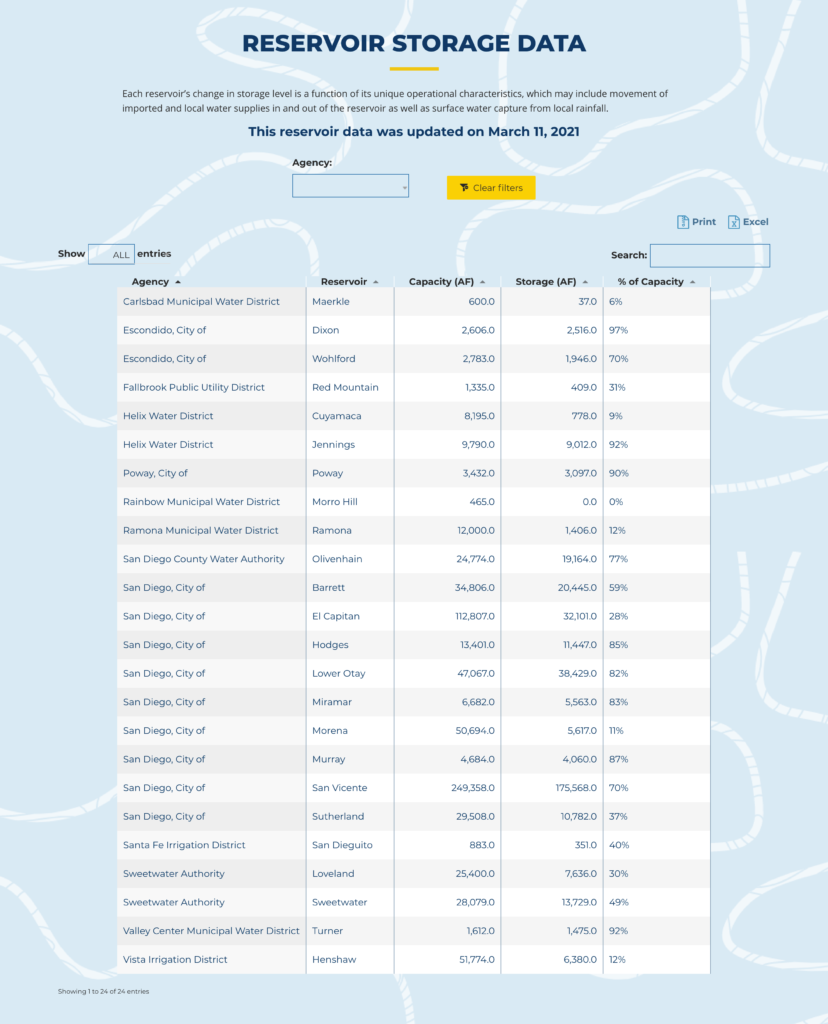
Datatable Shortcodes
Here is the list of datatables created at: https://www.sdcwa.org/your-water/reservoirs-rainfall/rainfall/
Log into WordPress dashboard to see the shortcodes used for tables here.
Examples
See examples of the following shortcodes as follows on page edit here.
– This is the 1st tab shortcode: [wpdatachart id=7]
– This is second tab shortcode: [wpdatatable id=10 table_view=regular]
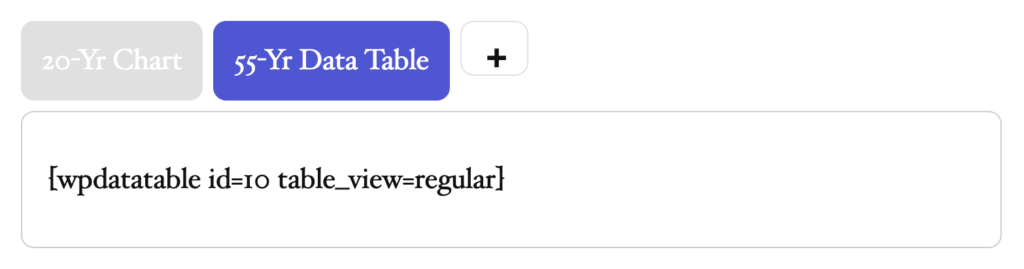
- The shortcodes are coming from wpdatatable: https://www.sdcwa.org/wp-admin/admin.php?page=wpdatatables-charts
Note: If you want to edit anything or change anything create duplicate
and make update in that, as all are live so don’t change anything